Quality-of-Life Mods I Use in Factorio 2.0 (Space Age)

Table of Contents
Factorio already has plenty of quality-of-life features built in. There is rarely anything that feels truly inconvenient, but there are still a few mods that make the game even more comfortable to play.
In this article, I’ll introduce the mods I use in Factorio Space Age.
These are all quality-of-life mods that don’t directly affect gameplay. In other words, I only picked mods that cut down on tedious work that adds little to the fun, without changing the systems of the base game.
All of the mods have been confirmed to work on v2.0.77, the latest version at the time of writing.
Bottleneck Lite

I can’t go back to a world without this.
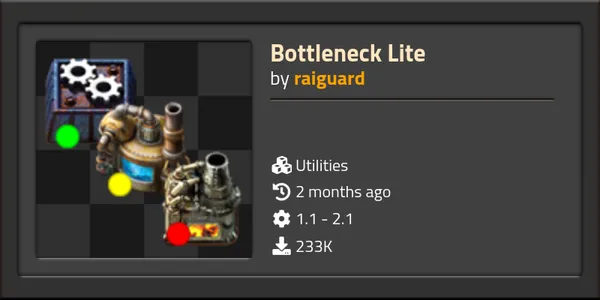
It adds indicators to machines such as assemblers and furnaces: “working” (green), “missing ingredients” (red), and “output blocked” (yellow). Finding the bottleneck in a production line becomes overwhelmingly easier.
It’s also very light on performance, as the name “Lite” suggests, which is another plus.
Filter Helper

I can’t go back to a world without this.
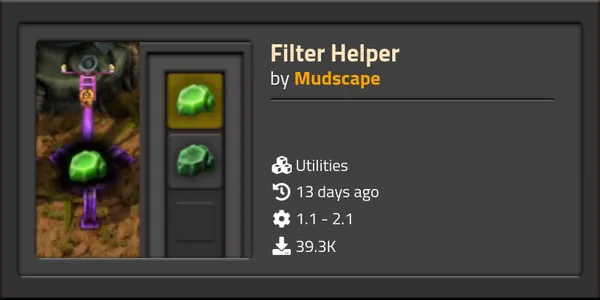
When you set a filter on an inserter, splitter, logistic chest, and so on, it suggests what to filter.
For example, when you set the filter on an inserter that feeds an assembler making green circuits, it suggests the ingredients: copper cable and iron plate. For the inserter taking items out, it suggests green circuits, and so on.
Normally, setting a filter takes at least three clicks: open the filter, find the item in the item list, and confirm. With this mod it’s a single click on a suggested item, which makes filter setup overwhelmingly easier. It’s especially helpful when you’re working with high-quality items.
I also like that splitters always get the Deconstruction planner suggested.
Automatic Underground Pipe Connectors
I can’t go back to a world without this.
It automatically places regular pipes in the one-tile gap between underground pipes.
It works not only between underground pipes, but also between the fluid inputs and outputs of various machines and underground pipes.
I was a little worried that pipes being placed automatically might cause confusion, but so far this mod has never caused me any trouble. It’s simply comfortable.
Even Distribution

I can’t go back to a world without this.
It’s an essential mod, especially in the early game. When you put coal into several furnaces or ammo into gun turrets, you just Ctrl + left-drag and the items in your hand are distributed “evenly.”
In vanilla, if you try to put 16 items into four machines, the game tries to insert “half of what’s currently in your inventory,” so you end up with 8, 4, 2, and 1. With this mod, each one gets 4.
- Ctrl + left-drag: Distributes all of the target item in your inventory evenly
- Ctrl + right-drag: Distributes half of the target item in your inventory evenly
It’s also packed with thoughtful extras like the following.
Smart refill mode (Balance inventories)
Rather than simply splitting items equally, it takes into account “how much is already in” each target machine and calculates the refill so that every machine ends up with the same amount. To use this, you need to enable “Balance out inventories” in the settings.
One-key inventory cleanup (Shift + C)
It distributes unneeded items that have piled up in your inventory (ore, intermediate products, and so on) to nearby machines and chests that can accept them.
It works with your character’s logistic slots and trash slots, so you can keep the amounts you want on hand and dispose of only the surplus. There’s no need to wait for logistic bots to pick things up.
Fuel and ammo limits, and automatic upgrades
You can also set an upper limit for the fuel and ammo inserted into machines.
During distribution, it can also automatically swap lower-tier items for higher-tier ones, such as wood for coal or yellow ammo for red ammo.
Belt Visualizer
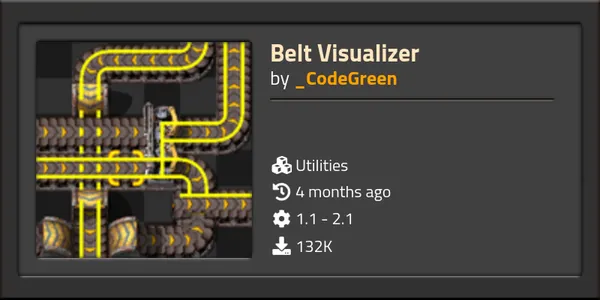

Super handy to have.
Press the G key to enable it, then hover over a belt, and every belt connected to it is highlighted. Press G again to show only the left lane or only the right lane.
It’s a lifesaver when you’ve created a delicious plate of spaghetti.
Circuit Visualizer
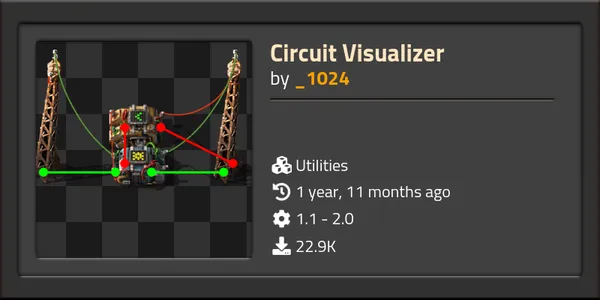

Super handy to have.
It draws red and green wire connections as thick straight lines. There’s a mode that shows only the wires connected to the machine you’re hovering over, and a mode that shows all wires.
Analyzing the connections seems to be a fairly heavy process, so there’s a bit of stutter when the display updates (when you change the hover target or add or remove connections), but the benefit more than makes up for that drawback.
Automatic Train Painter & Automatic Station Painter

Super handy to have.
Automatic Train Painter paints trains in the color that matches the item they are carrying.
Automatic Station Painter paints stations to match the color of the last locomotive that departed from them.
Combined, they let you tell at a glance which station handles which item and which train carries which item. You can find this out with Alt mode too, but this looks much nicer.
Rate Calculator

Super handy to have.
Just drag-select the machines you’re interested in, and it accurately calculates the production and consumption per second of that whole block. If you want perfect production ratios, this is a calculation tool you can’t do without.
It also shows the production and consumption per unit of time for intermediate products, along with the difference. If that difference is negative for some intermediate product, that item is the bottleneck of your production line.
Of course, it takes production speed bonuses and penalties from modules into account. Due to how things work under the hood, beacons that aren’t supplied with power are not reflected in the calculation, so be careful.
Blueprint Sandboxes & Editor Extensions

Super handy to have.
Blueprint Sandboxes lets you move seamlessly, at any time, into a virtual design space (a sandbox) that is completely separate from your current game progress and inventory.
Editor Extensions adds several useful testing items that are only available in the editor. These include the infinity requester chest, the infinity roboport, the pollution module, and more.
Of course, they also work inside the sandbox environment from the mod above. Combining them lets you design the ultimate factory with unlimited resources and items, without worrying about enemy attacks or resource depletion, and then bring it straight back to your real game.
Unlike creating a separate save file in sandbox mode, time in your real game keeps running while you are in the sandbox. You can also copy a design from the sandbox to the clipboard, go back to your real game, and paste it, without going through a blueprint book.
Visible Planets in Space

This one is less about convenience and more of an aesthetic mod.
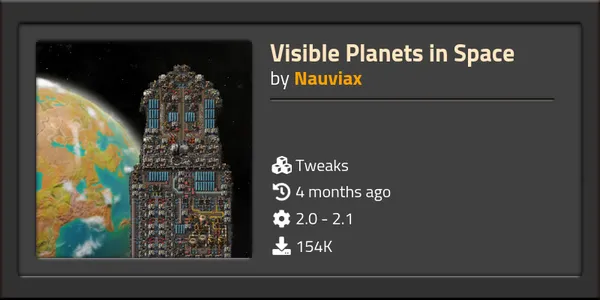
When a space platform is at a planet, that planet is shown in the background. It’s useful to see at a glance where you are, but even more than that, it adds a lot to the immersion.
I honestly wonder why vanilla Space Age doesn’t have this feature.
I hear it also works properly with planets added by other mods.
Nixie Tubes
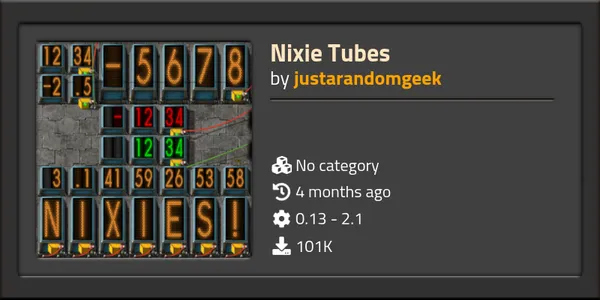

It feels a bit like cheating, but it’s super handy and looks great.
It adds Nixie tube display items that show numbers and letters.
There is a type that uses two tiles vertically and one tile horizontally to display a single digit, and a type that displays two digits in a 1x1 tile. In both cases, place them side by side, connect a circuit to the rightmost Nixie tube, and choose a signal in the filter, and it displays the value of that signal.
There is a rumor that using a lot of them makes the game heavy, but if that happens, you should be fine by adjusting the display update frequency in the mod settings.
Electric Pole Free Light
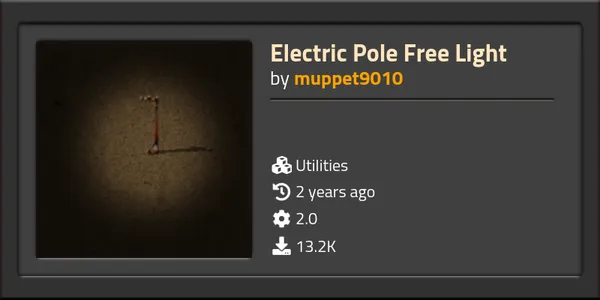

It feels a bit like cheating, but it’s handy and looks good. It’s closer to an aesthetic mod.
Electric poles now work as light sources. Your factory looks much better at night.
It leans toward cheating because it saves you the trouble of crafting and placing lamps, but I think its effect on the game is within the margin of error.
Genshin Impact Skin
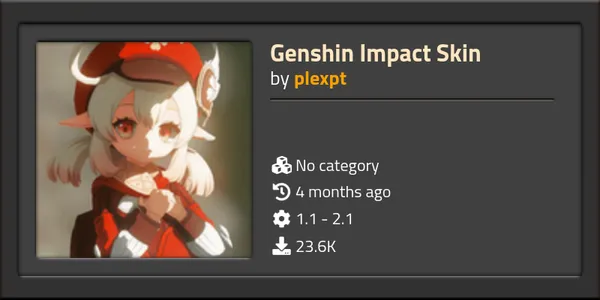
This is no longer a quality-of-life mod at all.
It lets you change the skin of your engineer to a Genshin Impact character.
When you want to change the skin, press the button at the top left provided by the dependency, miniMAXIme.
The supported characters are as follows.
- Amber
- Barbara
- Diluc
- Fischl
- Ganyu
- Ganyu (Bikini)
- Hilichurl
- Jean
- Kaeya
- Keqing
- Klee
- Lisa
- Ningguang
- Paimon (taller version)
- Paimon
- Shenhe (Bikini)
- Lumine
- Venti
- Xiangling
- Xiao
- Yae Miko (Bikini)


Summary
More articles
- Heading to the Solar System Edge in Factorio: Space Age• #FactorioFactorio is in its final stretch.
- I Reached Aquilo in Factorio Space Age• #FactorioA Factorio Space Age play diary, covering the overhaul of my Nauvis rail network, the design of my space platform "Watt Rayson," and the trial and error of reaching the frozen planet Aquilo.

- Factorio: Space Age Is Way Too Much Fun• #FactorioHelp me.
- Let's Mod Genshin Impact and Have Some Fun• #Genshin ImpactA summary of how to install mods on PC Genshin Impact, recommended QoL mods, the risk of bans, and what I learned while researching it.


Notes on games, radio and technology, translated from the Japanese blog.